

How to Create a Functional Desk Filing System
Does your desk resemble a paper battlefield? Sticky notes multiplying like rabbits, bills hiding under coffee mugs, and important documents playing hide-and-seek? You’re not alone. The average office worker wastes up to 1.5 hours daily just looking for things. But here’s the good news: creating an effective desk filing system isn’t rocket science. In this guide, you’ll discover simple, actionable steps to transform your chaotic workspace into an organized command center that saves time, reduces stress, and helps you stay focused.
Why Your Desk Filing System Matters
Before diving into the “how,” let’s quickly address the “why.” A functional desk filing system isn’t just about looking neat—it delivers real benefits that impact your daily life:

Time Savings
Stop wasting precious minutes hunting for documents. A good system lets you find what you need in seconds, not minutes.

Stress Reduction
Visual clutter creates mental clutter. An organized desk helps clear your mind and reduces the anxiety of misplacing important items.

Professional Image
Whether you’re working from home or in an office, an organized desk projects competence and attention to detail.
8 Steps to Create Your Perfect Desk Filing System

Step 1: Clear and Categorize
The first step toward an organized desk filing system is to start with a clean slate. Clear everything off your desk and sort all papers into logical categories that make sense for your specific needs.
Common Categories to Consider:
- Action Items (requires immediate attention)
- Bills and Finances
- Work Projects (separate by project)
- Personal Documents
- Reference Materials
- Archives (important but not currently needed)

Quick Tip: Be ruthless about what you keep. A good rule of thumb: if you haven’t referenced a document in over a year and it’s not legally important, consider digitizing it or discarding it altogether.
Step 2: Choose Your Tools
The right desk filing system tools make all the difference between a system that works and one that falls apart after a week. Select tools that fit your space constraints and workflow needs.


Desktop Organizers
Perfect for documents you access frequently. Look for options with multiple compartments to separate different categories.

Small Filing Cabinets
Ideal for storing larger quantities of documents while keeping your desk surface clear. Many compact options fit neatly under desks.

Vertical Organizers
Wall-mounted or standing vertical organizers maximize space by using your vertical real estate when desk surface area is limited.
Step 3: Label Everything Clearly
Clear labeling is the secret ingredient that makes your desk filing system truly functional. Without proper labels, even the most organized system will become confusing over time.
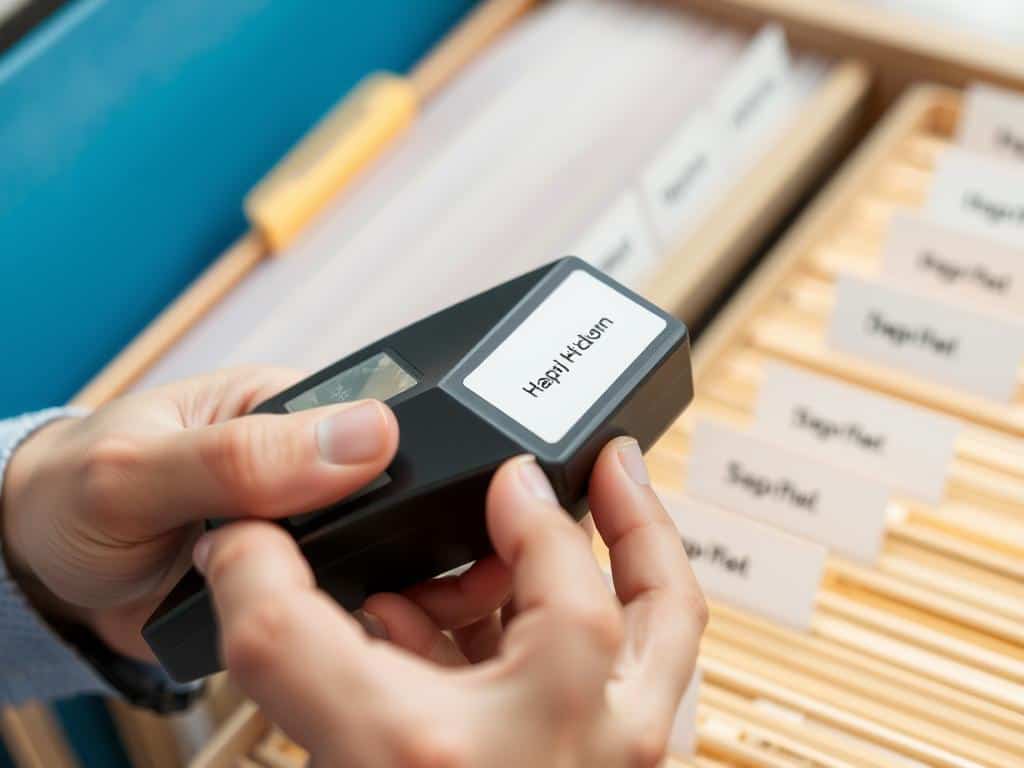
Effective Labeling Tips:
- Use a consistent labeling system throughout
- Make labels large enough to read at a glance
- Consider a label maker for professional-looking results
- Use specific terms rather than vague categories
- Include dates for time-sensitive materials
Step 4: Use Color Codes
Color coding your desk filing system creates visual shortcuts that help you identify categories instantly, even before reading labels. This simple technique dramatically speeds up both filing and retrieval.
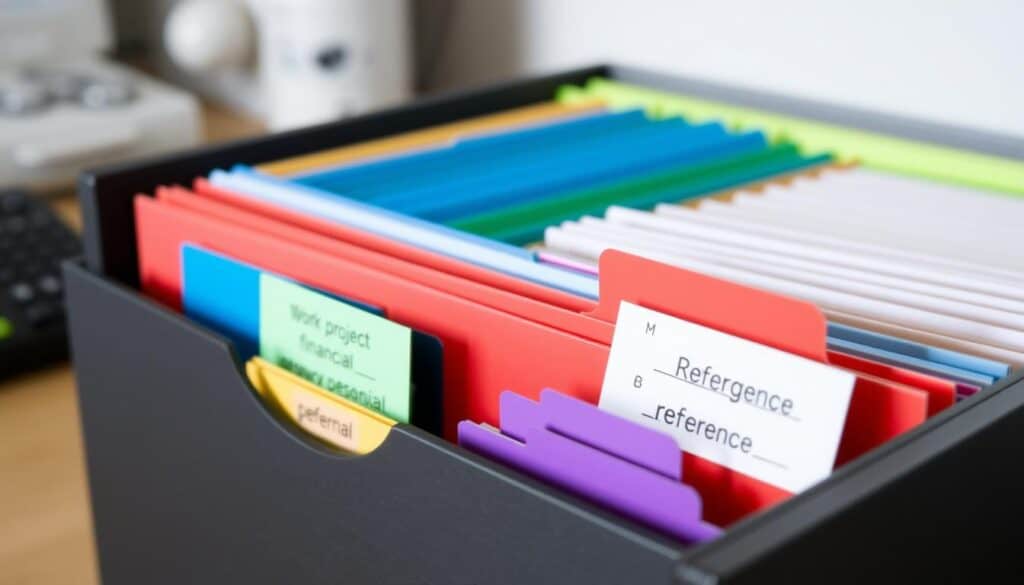
| Color | Suggested Category | Why It Works |
| Red | Urgent/Action Items | Red naturally signals importance and urgency |
| Green | Financial Documents | Associated with money and financial matters |
| Blue | Work Projects | Promotes focus and productivity |
| Yellow | Personal Documents | Warm and personal association |
| Purple | Reference Materials | Associated with knowledge and wisdom |
Pro Tip: Create a small color key card and keep it visible near your filing system until the color associations become second nature.
Step 5: Create a “To File” Tray
Even the best desk filing system needs a staging area for new documents. A dedicated “to file” tray prevents papers from piling up randomly and gives you a single collection point for processing.

Making Your “To File” Tray Work:
- Position it in an easily accessible spot
- Keep it small to prevent overflow
- Process it completely at least once weekly
- Add a quick-sort divider for urgent vs. regular filing
- Place a pen and sticky notes nearby for quick annotations
Step 6: Go Vertical When Needed
When desk space is at a premium, vertical filing solutions can be a game-changer for your desk filing system. They utilize wall space or vertical desk real estate that’s often underused.

Vertical Filing Options:
- Wall-mounted file pockets
- Standing desktop file sorters
- Hanging file systems for cubicle walls
- Over-the-door organizers for office doors
- Stackable letter trays that build upward
Step 7: Digitize Where Possible
A modern desk filing system should incorporate digital solutions. Scanning documents reduces physical clutter while making your information searchable and accessible from anywhere.

What to Digitize
- Reference materials you rarely need physical copies of
- Receipts and statements
- Meeting notes and handouts
- Business cards
- Magazine articles and clippings
Digital Tools
- Smartphone scanning apps
- Dedicated document scanners
- Cloud storage services
- Digital note-taking apps
- Password-protected archives
Digital Organization Tips
- Mirror your physical filing structure
- Use descriptive file names
- Create a consistent folder hierarchy
- Back up regularly
- Use OCR for searchable documents
Important: Always keep physical copies of vital documents like birth certificates, social security cards, property deeds, and other legal documents that require originals.
Step 8: Schedule Weekly Maintenance
Even the best desk filing system needs regular maintenance. Setting aside just 10 minutes weekly to process your “to file” tray and tidy up will keep your system functional for the long term.
Weekly Maintenance Checklist:
- Process all items in your “to file” tray
- Return any “borrowed” folders to their proper places
- Scan any documents marked for digitization
- Discard unnecessary papers
- Check for any misfiled items
- Replenish supplies (folders, labels, etc.)
Overcoming Common Desk Filing System Challenges
Focus on vertical solutions and be more aggressive with digitizing. Consider wall-mounted systems, under-desk filing cabinets, or even converting a nearby closet into a mini filing area. Remember that not everything needs to be within arm’s reach—just your most frequently used items.
For shared desk filing systems, clear labeling becomes even more critical. Consider color-coding by person as well as by category. Establish clear zones for shared documents versus personal ones, and create simple protocols for how shared files should be returned.
For sensitive materials, invest in a small locking file box or cabinet. Alternatively, keep a separate, clearly marked “confidential” folder that you secure at the end of each day. For digital files, use password protection and encryption for sensitive information.
Make it easy and rewarding. Place your “to file” tray where it’s convenient, set a regular calendar reminder for maintenance, and perhaps pair filing time with something enjoyable like listening to a favorite podcast. Celebrate the time and stress you save by maintaining your system.

Your Path to a Perfectly Organized Desk
Creating a functional desk filing system isn’t about achieving perfection—it’s about designing a system that works for your specific needs and habits. The best filing system is one you’ll actually use consistently. Start with these eight steps, adapt them to your situation, and enjoy the benefits of a more organized workspace: less stress, more productivity, and the satisfaction of knowing exactly where everything is.
Remember that your needs may change over time, so don’t be afraid to evolve your system. The goal isn’t rigidity but functionality that supports your work and reduces your stress.
